
Install latest/stable of pycharm-professional
Ubuntu 16.04 or later?
Make sure snap support is enabled in your Desktop store.
Install using the command line
sudo snap install pycharm-professional --classicDon't have snapd? Get set up for snaps.

You are about to open
Do you wish to proceed?
Thank you for your report. Information you provided will help us investigate further.
There was an error while sending your report. Please try again later.
Generate an embeddable card to be shared on external websites.
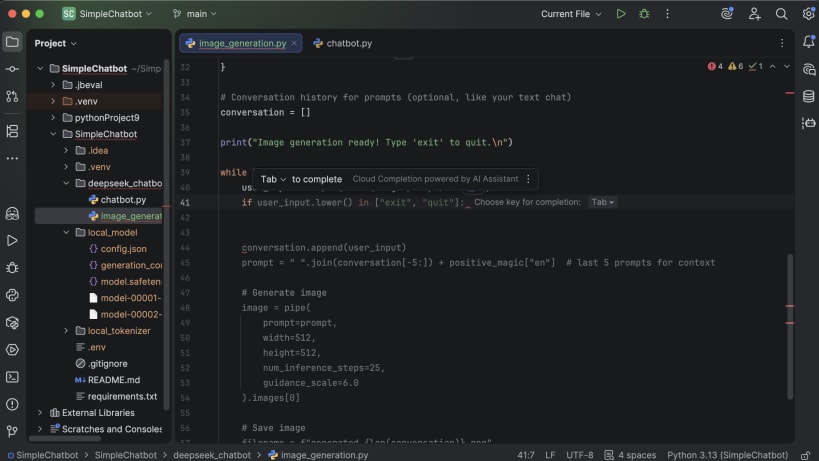
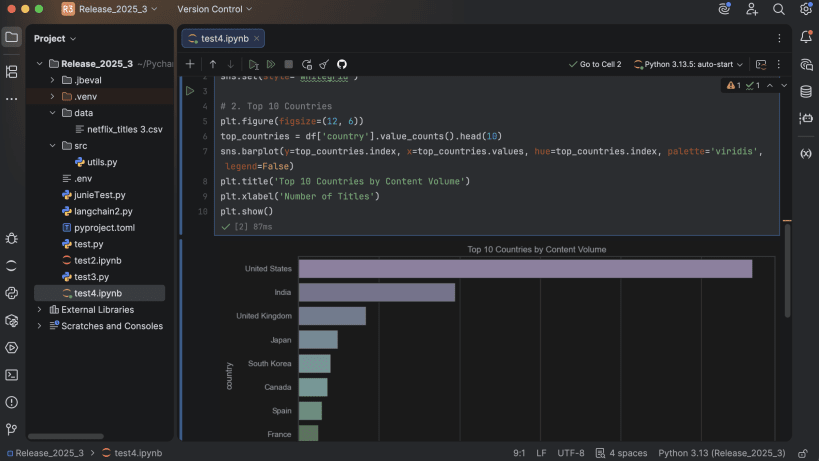
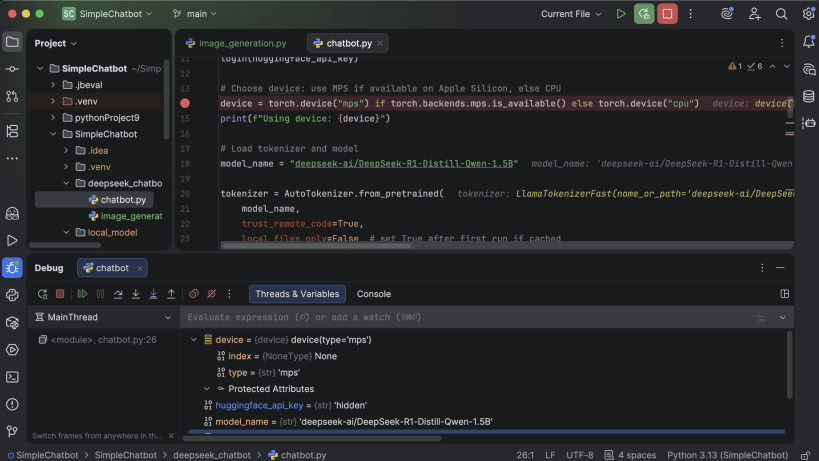
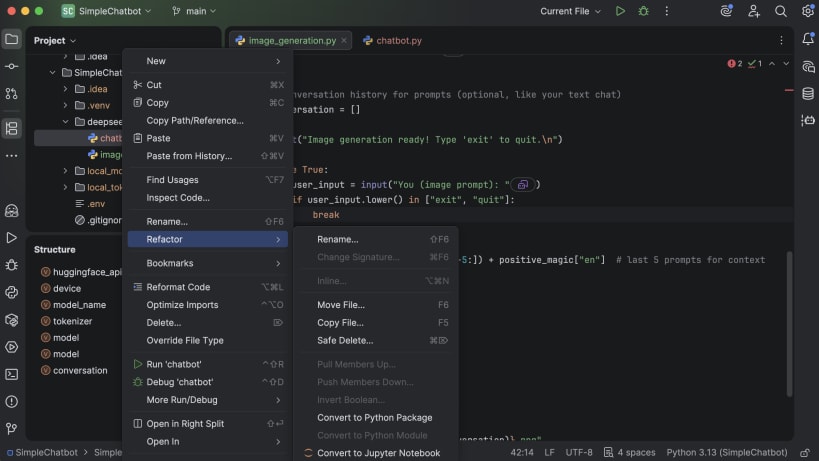
PyCharm is the only Python IDE you need. Built for web, data, and AI/ML professionals, PyCharm helps you develop smarter and faster with an AI-enhanced IDE experience. It offers out-of-the-box support for Python, databases, Jupyter, Git, Conda, PyTorch, TensorFlow, Hugging Face, Django, Flask, FastAPI, and more.
With its context-aware AI tools, intelligent code completion, powerful debugger, and seamless integrations, PyCharm accelerates every stage of development – from prototyping and analysis to deployment – so you can focus on writing code.
PyCharm is now distributed as a single, unified product, replacing the separate Community and Professional snaps for a simpler, more convenient experience. Starting with the 2025.1 release, the PyCharm Professional Edition snap downloads the unified PyCharm instead.
If you already have an active PyCharm Professional subscription, the distribution model change does not impact you and you will continue to enjoy full access to all Pro features in the unified product.
| Revision | Channel | Version | Build | Commit |
|---|
The build and commit information is derived from build infrastructure records.
Choose your Linux distribution to get detailed installation instructions. If yours is not shown, get more details on the installing snapd documentation.