
IntelliJ IDEA

Install latest/stable of IntelliJ IDEA
Ubuntu 16.04 or later?
Make sure snap support is enabled in your Desktop store.
Install using the command line
sudo snap install intellij-idea --classicDon't have snapd? Get set up for snaps.


Details for IntelliJ IDEA
Package name
- intellij-idea
License
- Proprietary
Last updated
- 16 September 2026 - latest/stable
- 15 October 2026 - 2026.3/edge
Websites
Contact
External link warning
You are about to open
Do you wish to proceed?
Report a Snap Store violation
Report IntelliJ IDEA for a Snap Store violation
Snap Store Violation Report submitted successfully
Thank you for your report. Information you provided will help us investigate further.
Error submitting report
There was an error while sending your report. Please try again later.
Share this snap
Generate an embeddable card to be shared on external websites.
IntelliJ IDEA – The Leading IDE for Professional Development in Java and Kotlin
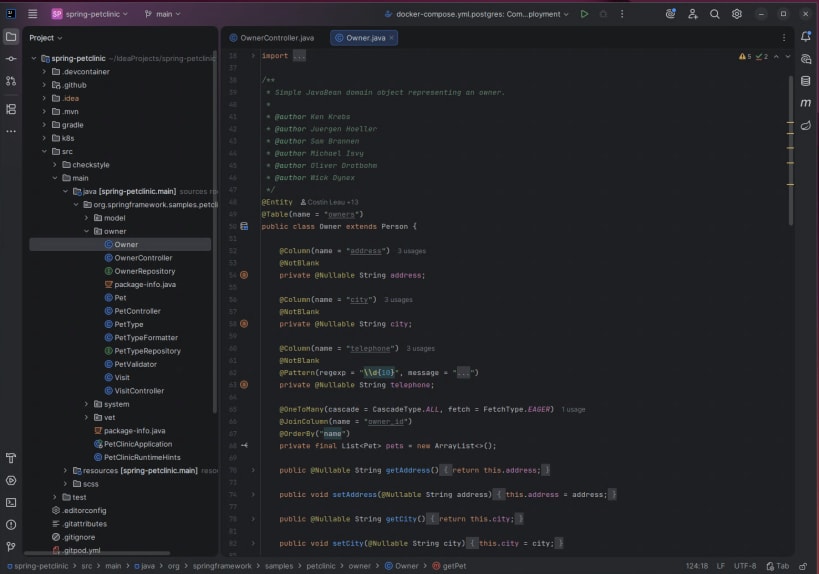
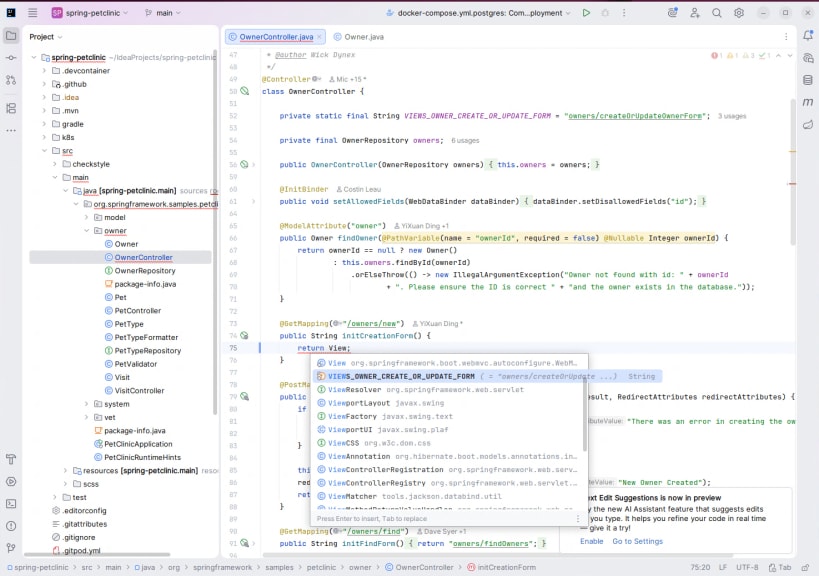
IntelliJ IDEA is a JetBrains IDE for professional development in Java and Kotlin. It unlocks productive development and helps you write high-quality code with ease. Built to get the job done, it provides all the essential tools and cutting-edge technology support you need. With a smooth, comfortable workflow and a strong focus on privacy and security, IntelliJ IDEA lets you code with confidence and pleasure.
IntelliJ IDEA is now distributed as a single, unified product, replacing the separate Community Edition and Ultimate snaps for a simpler and more convenient experience.
All Community Edition functionality remains free for both commercial and non-commercial use, with even more free features on top. For those who want to take their development further, the Ultimate subscription unlocks extended tooling and comes with a free 30-day trial. Existing IntelliJ IDEA Ultimate users will continue to enjoy full access to all advanced features, with fallback licensing also remaining unchanged.
Even without a subscription, IntelliJ IDEA remains fully functional for Java and Kotlin development, and free to use for both commercial and non-commercial projects.
| Revision | Channel | Version | Build | Commit | Download SBOM |
|---|
The build and commit information is derived from build infrastructure records.
Install IntelliJ IDEA on your Linux distribution
Choose your Linux distribution to get detailed installation instructions. If yours is not shown, get more details on the installing snapd documentation.