

Desktop Scriptures
Install latest/stable of Desktop Scriptures
Ubuntu 16.04 or later?
Make sure snap support is enabled in your Desktop store.
Install using the command line
sudo snap install desktop-scripturesDon't have snapd? Get set up for snaps.
Details for Desktop Scriptures
Package name
- desktop-scriptures
License
- MIT
Last updated
- Yesterday - latest/stable
- Yesterday - latest/candidate
Websites
Contact
Donations
Source code
Report a bug
External link warning
You are about to open
Do you wish to proceed?
Report a Snap Store violation
Report Desktop Scriptures for a Snap Store violation
Snap Store Violation Report submitted successfully
Thank you for your report. Information you provided will help us investigate further.
Error submitting report
There was an error while sending your report. Please try again later.
Share this snap
Generate an embeddable card to be shared on external websites.
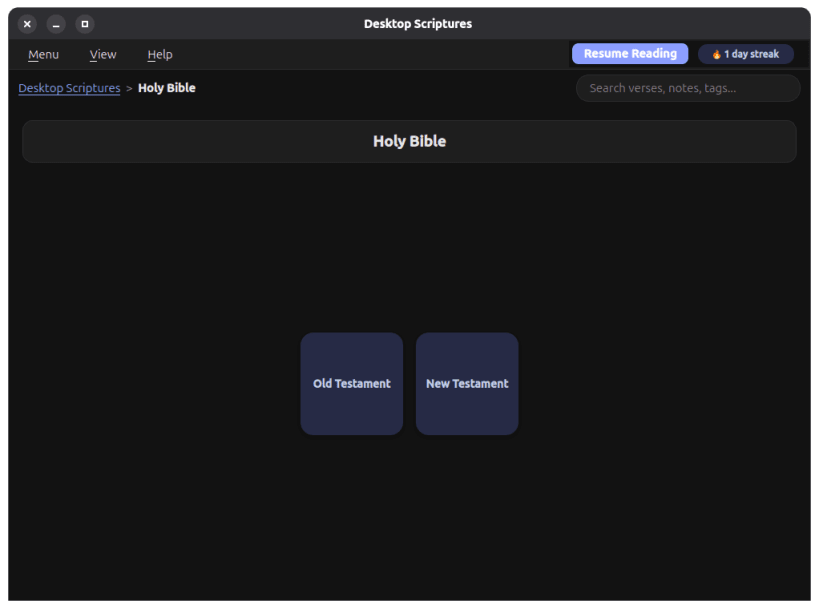
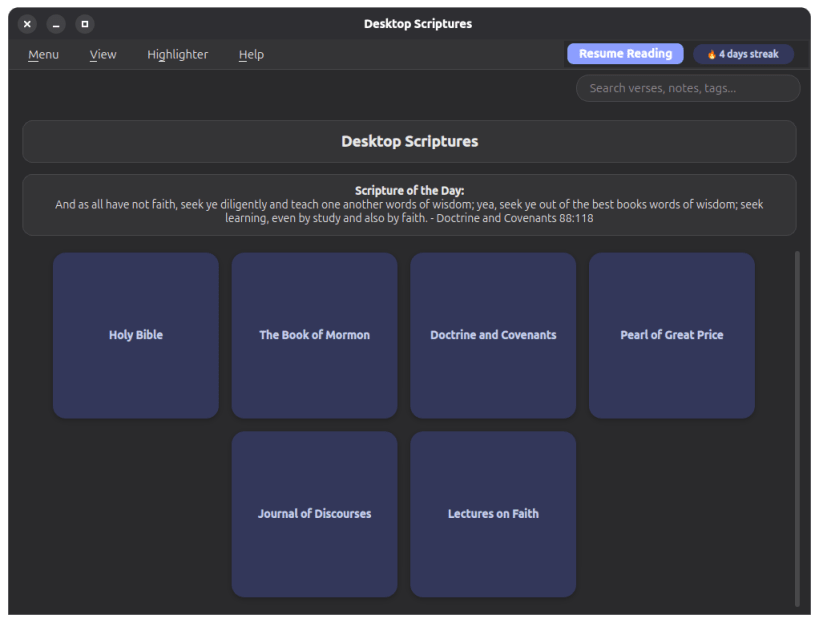
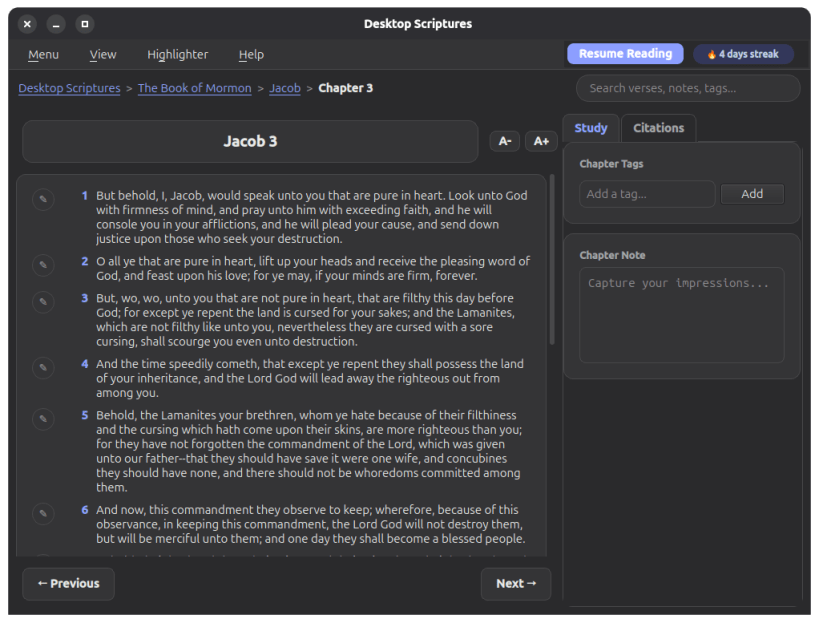
Read the LDS standard works offline, with notes, tags, search, sync, and AI
A desktop reader for the Bible, Book of Mormon, Doctrine and Covenants, Pearl of Great Price, Journal of Discourses, Lectures on Faith, and the Joseph Smith Translation - fully offline, with personal notes, tags, verse highlighting, keyword search, a Topical Guide, General Conference citations, a Scripture of the Day banner, a reading streak, a Resume Reading history of your last 5 chapters, a choice of accent colors, cloud-folder sync across your own devices (via whatever cloud client - Nextcloud, OneDrive, Google Drive, or similar - already keeps a folder synced on your machine), and opt-in AI-assisted search: ask a question in your own words - and refine it conversationally with follow-ups - to get pointed at real, matching scripture, using your own AI endpoint.
This is an unofficial application, not produced by or affiliated with The Church of Jesus Christ of Latter-day Saints, or with Community of Christ. Scripture text courtesy of the beandog/lds-scriptures project; Journal of Discourses and Joseph Smith Translation (published as the "Inspired Version") text courtesy of their public-domain scans on archive.org; General Conference citation data courtesy of BYU's Scripture Citation Index. The Topical Guide is Desktop Scriptures' own correlation of its local scripture text and that same citation index - not a copy of the Church's own, separately-copyrighted Topical Guide.
| Revision | Channel | Version | Build | Commit |
|---|
The build and commit information is derived from build infrastructure records.
Install Desktop Scriptures on your Linux distribution
Choose your Linux distribution to get detailed installation instructions. If yours is not shown, get more details on the installing snapd documentation.












