

Commander X16 Emulator (x16emu)

Install latest/stable of Commander X16 Emulator
Ubuntu 16.04 or later?
Make sure snap support is enabled in your Desktop store.
Details for Commander X16 Emulator
Package name
- x16emu
License
- unset
Last updated
- 21 November 2025 - latest/stable
- 1 June 2026 - latest/edge
Report a Snap Store violation
Report Commander X16 Emulator for a Snap Store violation
Snap Store Violation Report submitted successfully
Thank you for your report. Information you provided will help us investigate further.
Error submitting report
There was an error while sending your report. Please try again later.
Share this snap
Generate an embeddable card to be shared on external websites.
Commander X16 Emulator
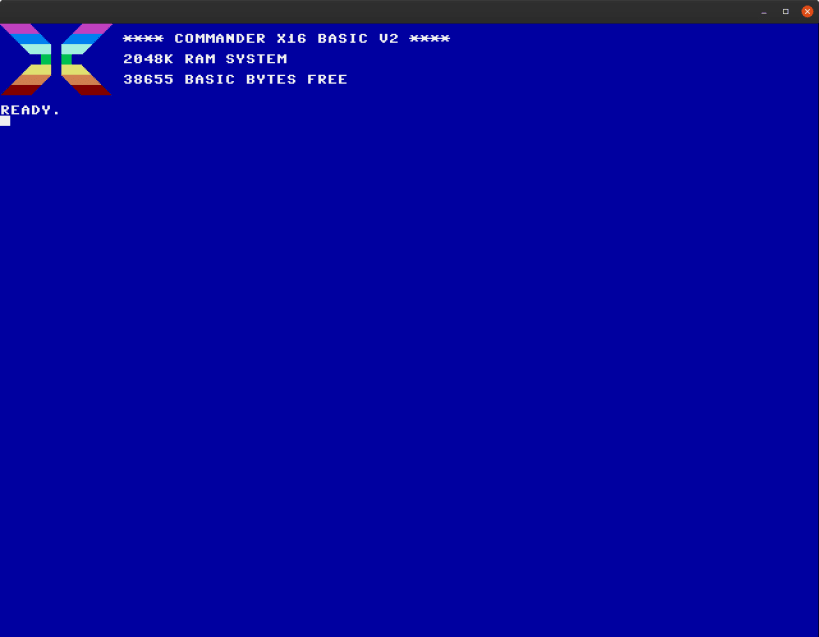
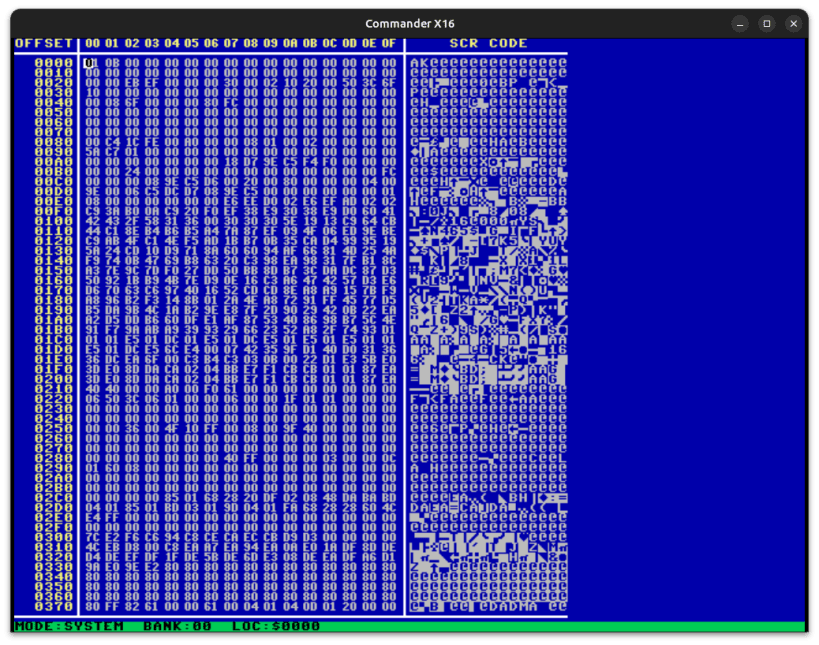
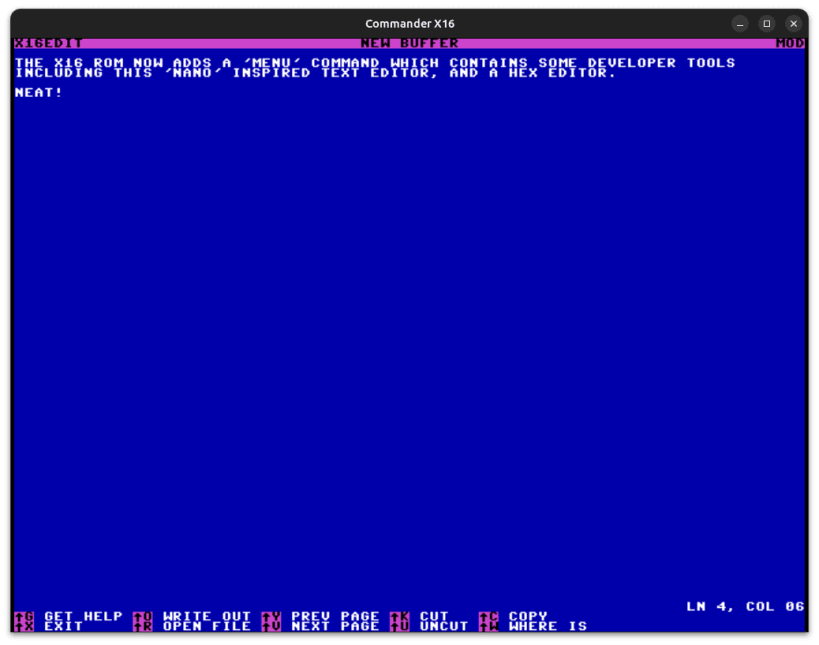
This is an emulator for the Commander X16 computer system. You can find out more about the Commander X16 computer in the following videos.
You can start x16emu either by clicking the icon on the desktop menu or from the command line. The latter allows you to specify additional arguments.
When starting x16emu without arguments, it will pick up the system ROM (rom.bin) bundled with the snap. The system ROM filename/path can be overridden with the -rom command line argument.
-keymap tells the KERNAL to switch to a specific keyboard layout. Use it without an argument to view the supported layouts.
-sdcard lets you specify an SD card image (partition table + FAT32).
-prg lets you specify a .prg file that gets injected into RAM after start.
-bas lets you specify a BASIC program in ASCII format that automatically typed in (and tokenized).
-run executes the application specified through -prg or -bas using RUN or SYS, depending on the load address.
-echo causes all KERNAL/BASIC output to be printed to the host's terminal. Enable this and use the BASIC command "LIST" to convert a BASIC program to ASCII (detokenize).
-log enables one or more types of logging (e.g. -log KS):
K: keyboard (key-up and key-down events)
S: speed (CPU load, frame misses)
V: video I/O reads and writes
-debug enables the debugger.
Run x16emu -h to see all command line options.
This is an unofficial build made with ♥️ from the following sources.
- https://github.com/x16community/x16-emulator
- https://github.com/x16community/x16-rom
- https://github.com/cc65/cc65 The yaml used to generate this snap can be found at
- https://github.com/popey/x16emu-snap
Find out more at http://commanderx16.com
| Revision | Channel | Version | Build | Commit |
|---|
The build and commit information is derived from build infrastructure records.
Install Commander X16 Emulator on your Linux distribution
Choose your Linux distribution to get detailed installation instructions. If yours is not shown, get more details on the installing snapd documentation.












