

neverputt packaged as an IoT GUI (mir-kiosk-neverputt)

Install latest/stable of neverputt packaged as an IoT GUI
Ubuntu 16.04 or later?
Make sure snap support is enabled in your Desktop store.
Install using the command line
sudo snap install mir-kiosk-neverputtDon't have snapd? Get set up for snaps.
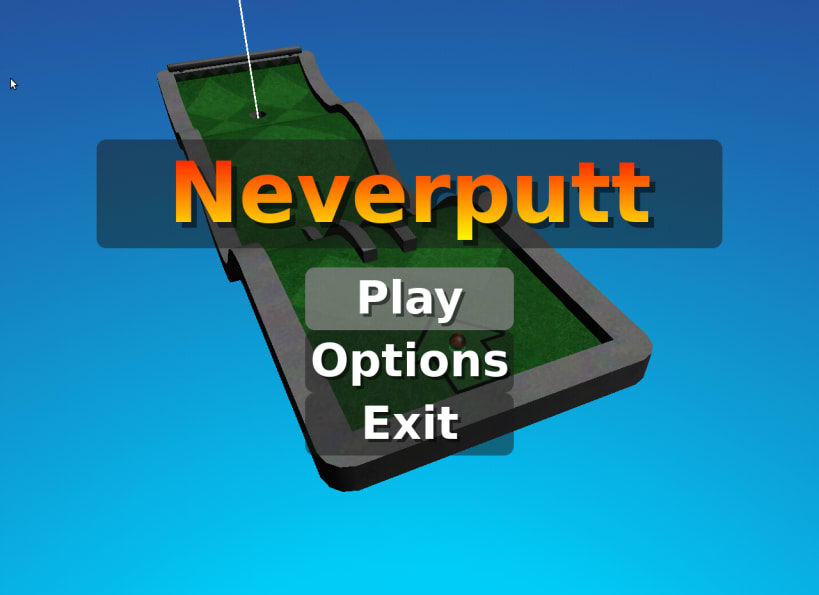
Details for neverputt packaged as an IoT GUI
Package name
- mir-kiosk-neverputt
License
- unset
Last updated
- 4 September 2026 - latest/stable
- 18 August 2026 - latest/edge
Report a Snap Store violation
Report neverputt packaged as an IoT GUI for a Snap Store violation
Snap Store Violation Report submitted successfully
Thank you for your report. Information you provided will help us investigate further.
Error submitting report
There was an error while sending your report. Please try again later.
Share this snap
Generate an embeddable card to be shared on external websites.
neverputt packaged as an IoT GUI
neverputt packaged for use with Ubuntu Frame on Ubuntu Core
For information on deploying an IoT GUI based on Ubuntu Frame see: https://mir-server.io/docs/how-to-guides
This snap will only work on Wayland compositors, but doesn't require Ubuntu Frame specifically. For example, it can be used on GNOME/Wayland by running mir-kiosk-neverputt, but that isn't the intended use.
When used on Ubuntu Core, mir-kiosk-neverputt will automatically run as a daemon on startup. If building an embedded system based on another OS then you may need to enable the daemon with:
snap set mir-kiosk-neverputt daemon=true
| Revision | Channel | Version | Build | Commit |
|---|
The build and commit information is derived from build infrastructure records.
Install neverputt packaged as an IoT GUI on your Linux distribution
Choose your Linux distribution to get detailed installation instructions. If yours is not shown, get more details on the installing snapd documentation.












