


Install 3/stable of juju
Ubuntu 16.04 or later?
Make sure snap support is enabled in your Desktop store.
Details for juju
Package name
- juju
License
- AGPL-3.0
Last updated
- 1 September 2026 - 3/stable
- Yesterday - 4/stable
Websites
Contact
External link warning
You are about to open
Do you wish to proceed?
Report a Snap Store violation
Report juju for a Snap Store violation
Snap Store Violation Report submitted successfully
Thank you for your report. Information you provided will help us investigate further.
Error submitting report
There was an error while sending your report. Please try again later.
Share this snap
Generate an embeddable card to be shared on external websites.
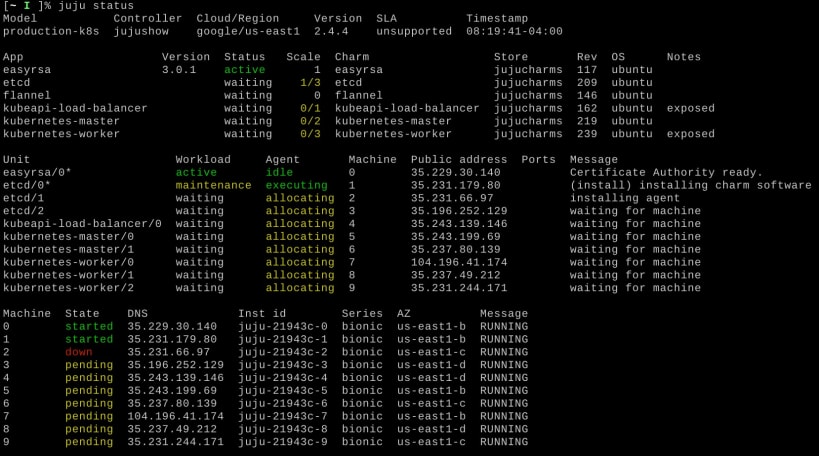
Juju - a model-driven operator lifecycle manager for K8s and machines
A model-driven universal operator lifecycle manager for multi cloud and hybrid cloud application management on K8s and machines.
What is an operator lifecycle manager? Kubernetes operators are containers with operations code, that drive your applications on K8s. Juju is an operator lifecycle manager that manages the installation, integration and configuration of operators on the cluster. Juju also extends the idea of operators to traditional application management on Linux and Windows servers, or cloud instances.
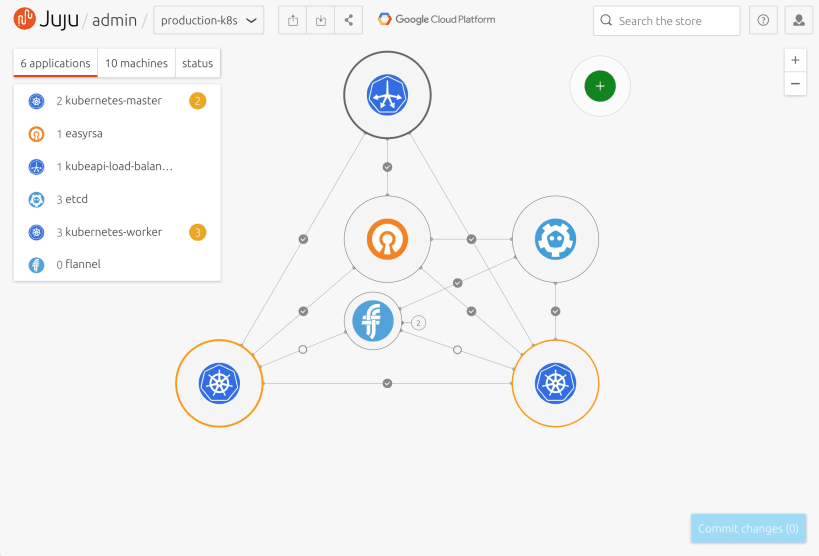
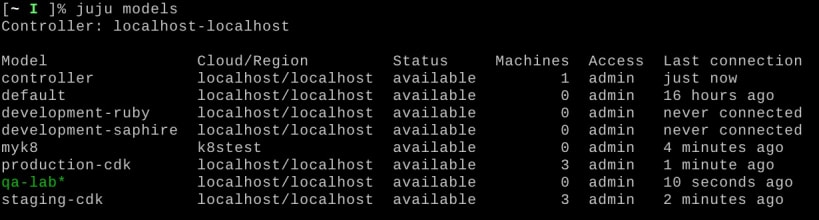
Model-driven operations and integration Organise your operators into models, which group together applications that can be tightly integrated on the same substrate and operated by the same team. Capture resource allocation, storage, networking and integration information in the model to simplify ongoing operations.
Better day-2 operations Each operator code package, called a charm, declares methods for actions like back, restore, or security audit. Calling these methods provides remote administration of the application with no low-level access required.
Learn more
| Revision | Channel | Version | Build | Commit | Download SBOM |
|---|
The build and commit information is derived from build infrastructure records.
Install juju on your Linux distribution
Choose your Linux distribution to get detailed installation instructions. If yours is not shown, get more details on the installing snapd documentation.












